
iPhone, Galaxy or Pixel?
See how your favourites stack up on price, screen size, camera and battery.
Compare side by side
See how your favourites stack up on price, screen size, camera and battery.
Compare side by sideMauricio praised the service and said his phone arrived in excellent condition, just as advertised.
Mauricio Araujo

Choose your model and tell us its condition to get a free trade-in quote.
Get a trade-in quote
Some filters could not be applied and were reset.
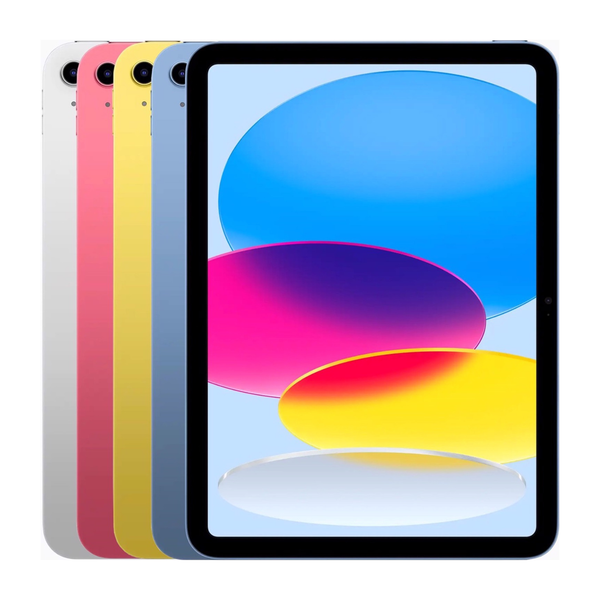 Sale iPad 11th Gen 11" (WiFi + Cellular) Unlocked $669.99 Sale iPad 11th Gen 11" (WiFi Only) $619.99
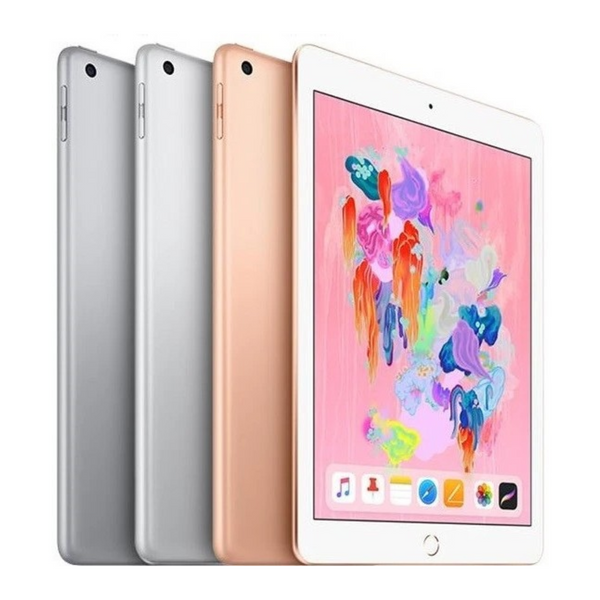 Sale iPad 6th Gen 9.7" (WiFi + Cellular) Unlocked $139.99 Sale iPad 6th Gen 9.7" (WiFi Only) $129.99
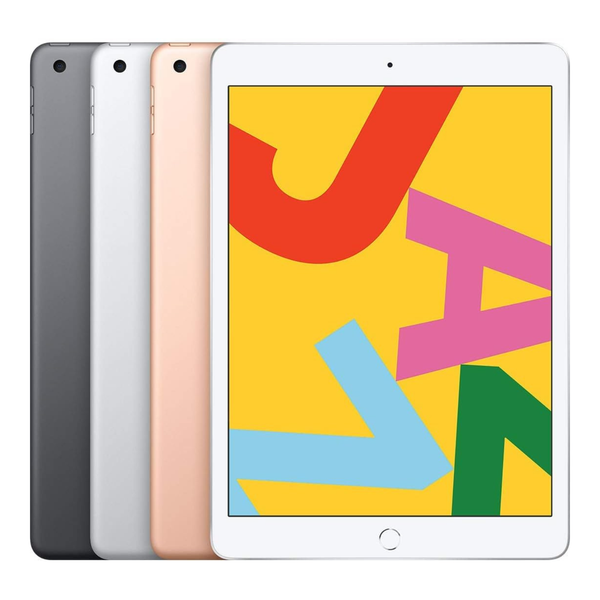 Sale iPad 7th Gen 10.2" (WiFi + Cellular) Unlocked $169.99 Sale iPad 7th Gen 10.2" (WiFi Only) $129.99
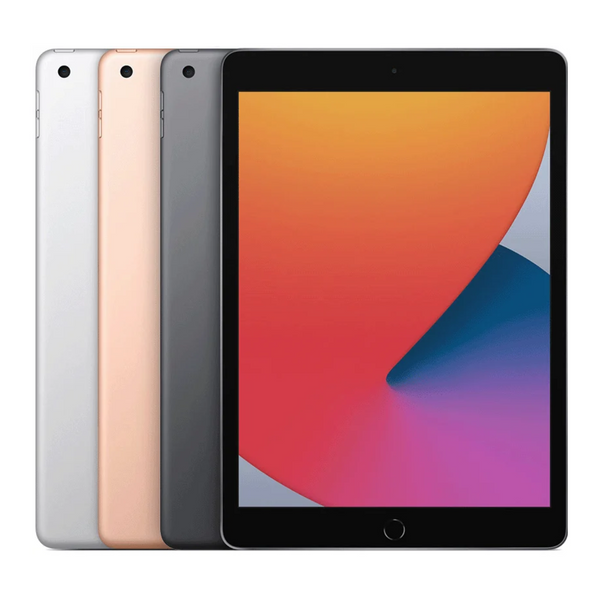 Sale iPad 8th Gen 10.2" (WiFi + Cellular) Unlocked $209.99 Sale iPad 8th Gen 10.2" (WiFi Only) $169.99
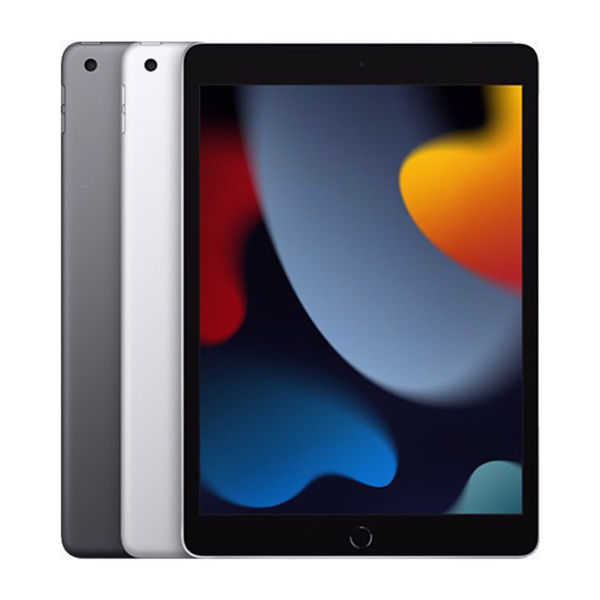 Sale iPad 9th Gen 10.2" (WiFi + Cellular) Unlocked $279.99 Sale iPad 9th Gen 10.2" (WiFi Only) $259.99
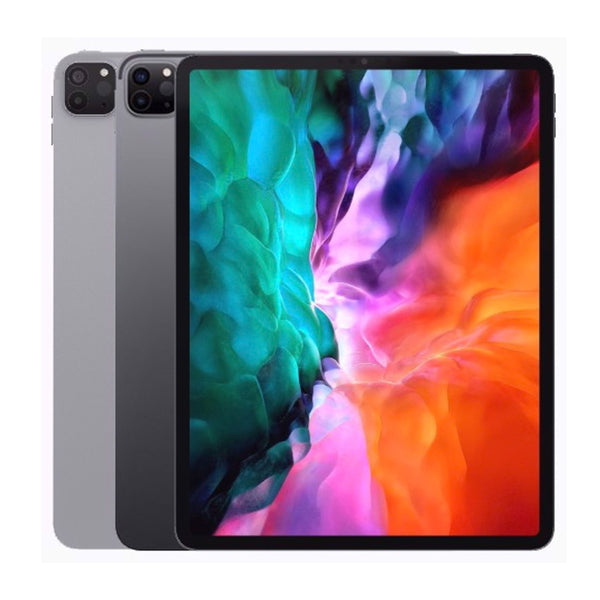 Sale iPad Pro 11 (2020) (WiFi Only) $629.99
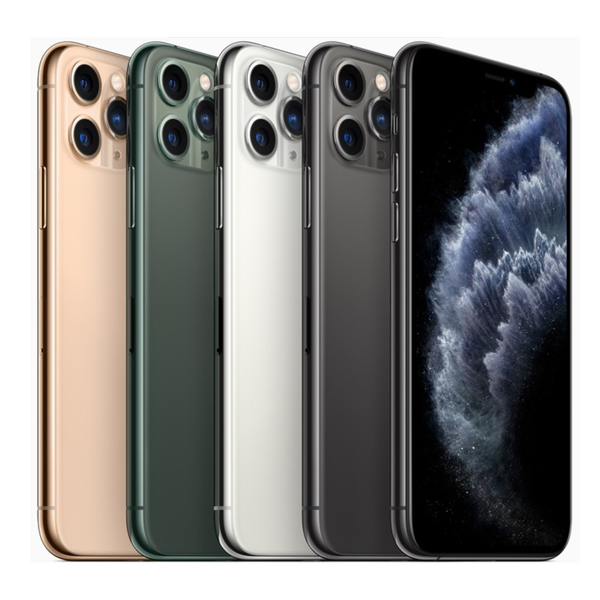 Sale iPhone 11 Pro Unlocked $289.99
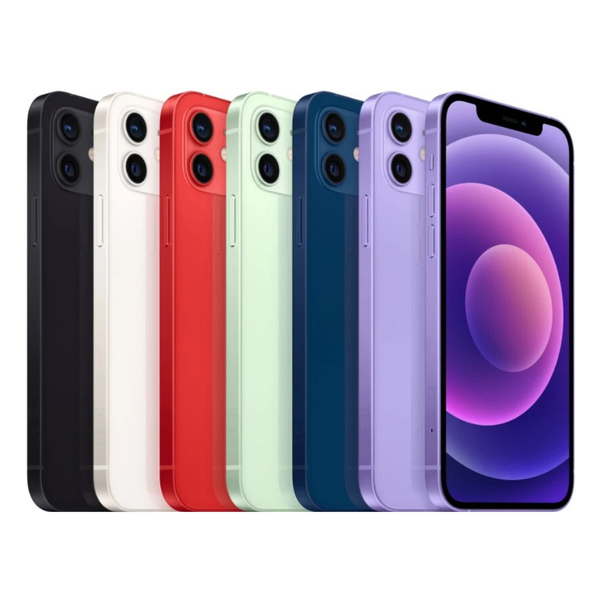 Sale iPhone 12 Mini Unlocked $239.99
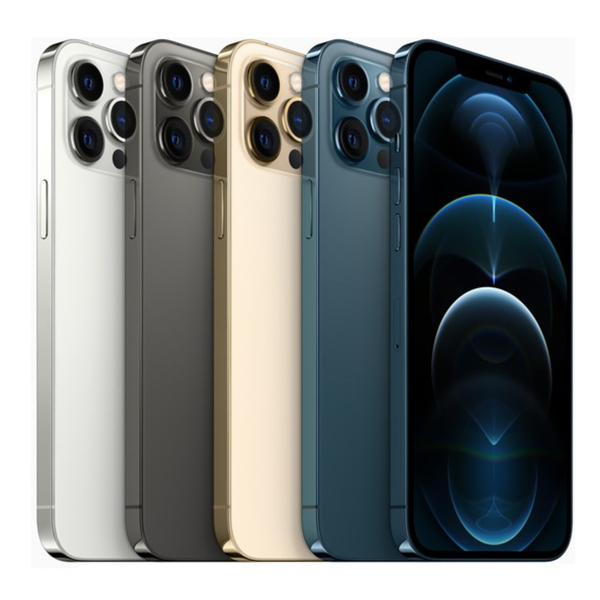 Sale iPhone 12 Pro Max Unlocked $544.99 Sale iPhone 12 Unlocked $259.99
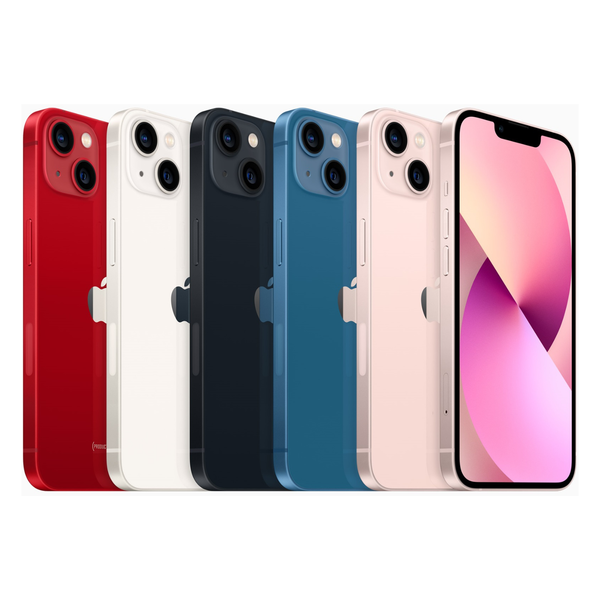 Sale iPhone 13 Mini Unlocked $359.99
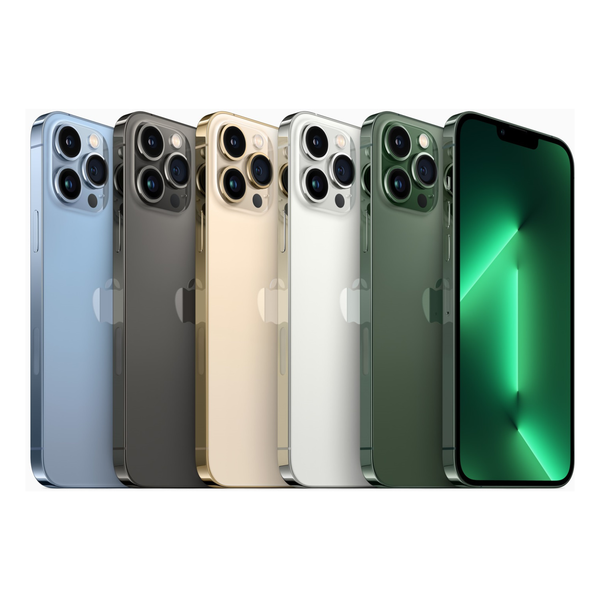 Sale iPhone 13 Pro Max Unlocked $644.99 Sale iPhone 13 Pro Unlocked $544.99 Sale iPhone 13 Unlocked $429.99
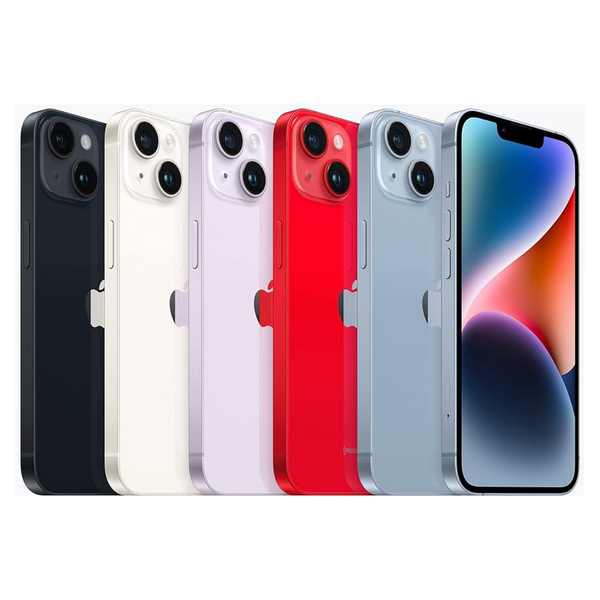 Sale iPhone 14 Plus Unlocked $549.99
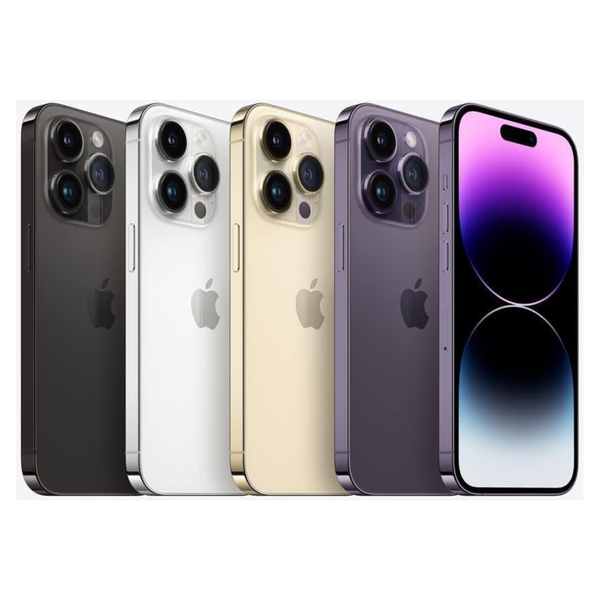 Sale iPhone 14 Pro Max Unlocked $749.99 Sale iPhone 14 Pro Unlocked $649.99 Sale iPhone 14 Unlocked $449.99
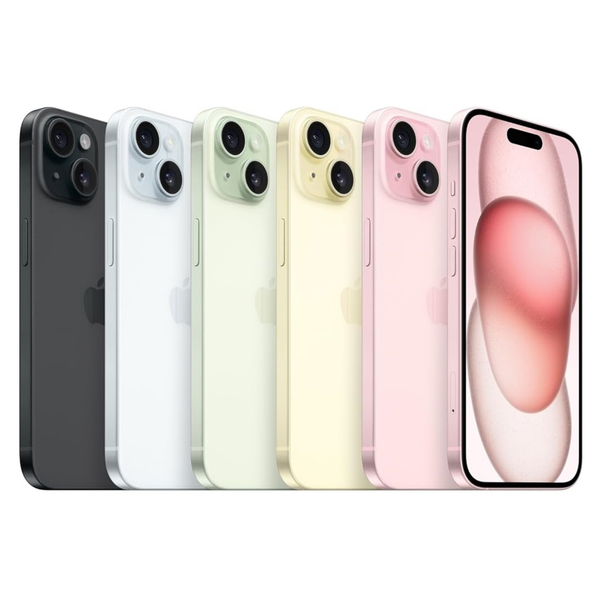 Sale iPhone 15 Plus Unlocked $699.99


